Setting Up Multiple Projects in Verisoul
Last updated: October 15, 2025
Overview
In Verisoul, projects are used to logically and operationally separate user groups, configurations, and data. This guide explains what a project is, when and why you might need multiple projects, how to create and switch between them, and what elements are unique to each project.
What Is a Project?
A project in Verisoul is a segregated database of users within your organization. Each project acts as an isolated container for its user base, configurations, and integrations.
Think of a project as a distinct property or user group that should not share identity or duplicate-detection logic with other parts of your system.
Example scenario:
If your organization manages multiple applications, you might want a separate project per app. This ensures that Verisoul only performs duplicate detection within a single app, rather than across all apps.
In short:
Projects keep user bases isolated.
Duplicate detection, sessions, and configurations occur only within a given project.
Each project represents a unique operational scope within your organization.
How to Know How Many Projects You Need
You typically need one project per distinct user group or application that you want to manage independently.
Below are several common scenarios:
Multiple Applications
You manage multiple mobile or web apps, and users can have accounts across apps—but not more than one per app.
→ Create a project per app.Staging Environment
You want to set up a staging environment in Verisoul and want a separate project for testing.
→ Create a project per staging environment.First-Party vs Third-Party Traffic
A market research company might handle first-party panelists and third-party survey traffic.
→ Use separate projects for each traffic source.Different Functionality or Strictness Levels
If you need different fraud or identity validation rules for certain traffic (e.g., strict vs lenient configurations).
→ Split those into different projects to apply unique rule sets.Geographic Segmentation
If you operate across multiple regions and want separate risk models or configurations per geography.
→ Create projects per region only if they represent distinct user groups with unique configurations.
How to Create and Switch Between Projects
To create a new project:
Log in to your Verisoul Dashboard.
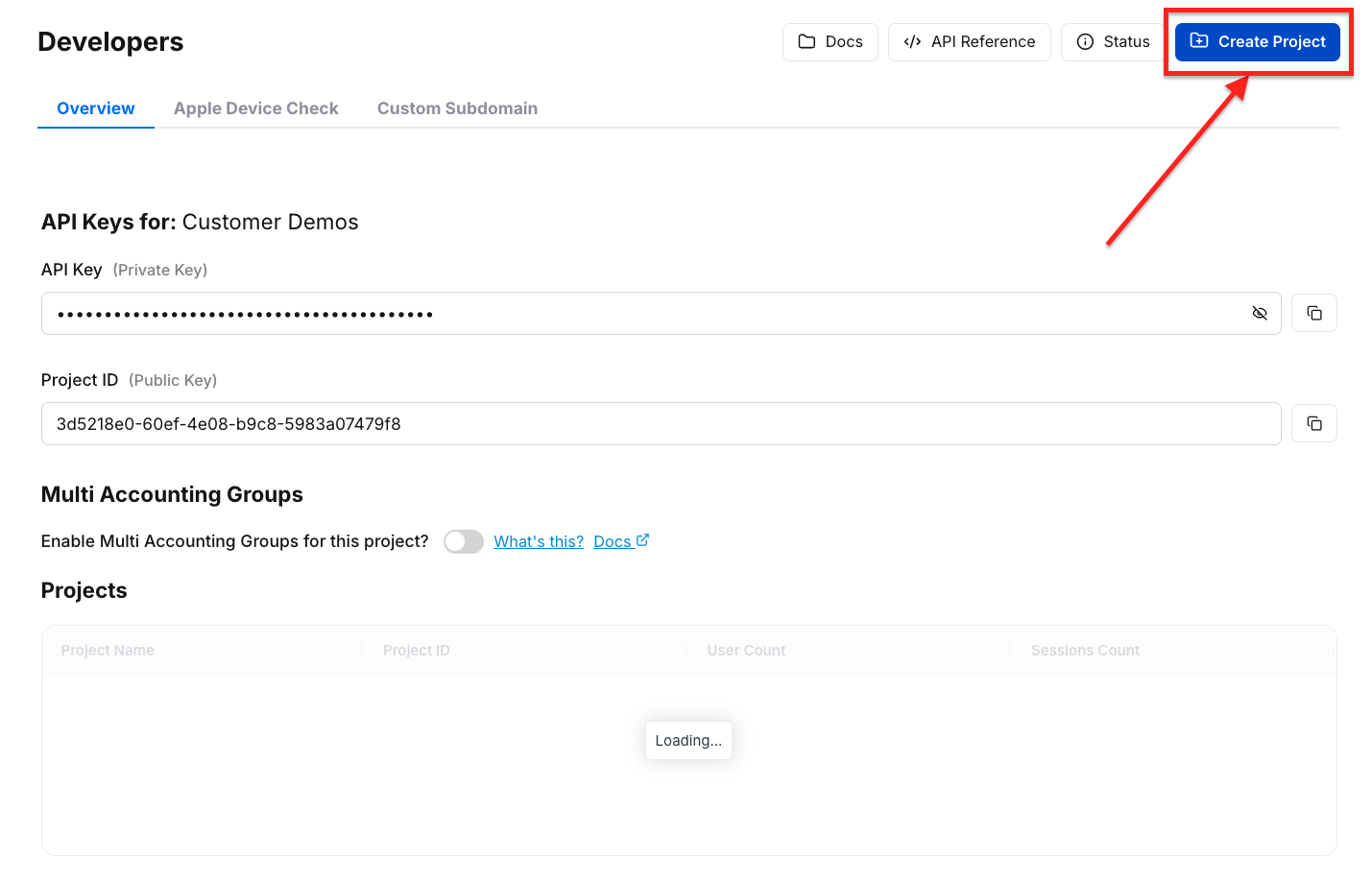
Navigate to the Developers tab.
Click Create Project.
Assign a project name and review any default configurations.
To switch between projects:
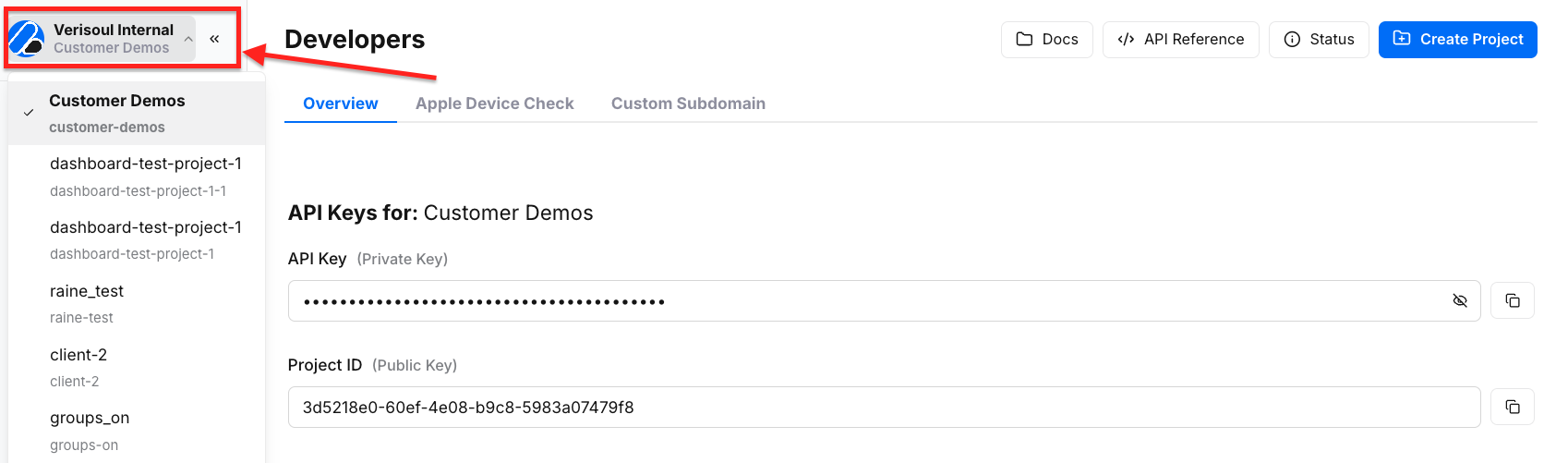
Click your organization logo in the top-left corner of the dashboard.
A dropdown will display all available projects.
Select the project you want to view or manage.
What Is Unique to Each Project
Each Verisoul project operates independently. The following elements are unique and isolated per project:
User Accounts & Sessions: Separate user databases ensure no cross-project overlap.
Project ID & Integration Script: Each project has a unique project ID and API key
Rules & Configurations: Fraud models, risk levels, and workflow rules are specific to each project.
API Keys & Credentials: Integration credentials are generated per project for secure and isolated access.
Summary
Projects in Verisoul allow organizations to maintain clean data separation, flexible configuration, and contextual risk control across different applications or traffic sources.
By aligning each project to a specific user group or operational context, you ensure accurate duplicate detection and consistent policy enforcement.